Your House Shouldn't Remember You: Leaving Smart Tech Behind Without the Baggage

Photo: Archives New Zealand from New Zealand, CC BY-SA 2.0, via Wikimedia Commons
There's a moment, usually about 4pm on completion day, when the buyer's partner tries to turn the heating up and the wall panel asks them to sign into an account belonging to a stranger. That stranger is you. And by then you're two postcodes away with a van full of boxes and no interest in troubleshooting.
The fix isn't complicated, but it does need doing in the right order, and it needs doing before you hand over the keys — not after. Here's the seller's version of a smart home handover, written for people who'd rather not be on the end of a phone call from a stranger's hallway.
Start with an inventory, not a screwdriver
Before you reset anything, walk the house with a notebook or a phone and list every device a buyer would reasonably expect to still be there. Not the stuff you're taking — the stuff that's staying.
Typically that's:
- The smart thermostat and its wall plate
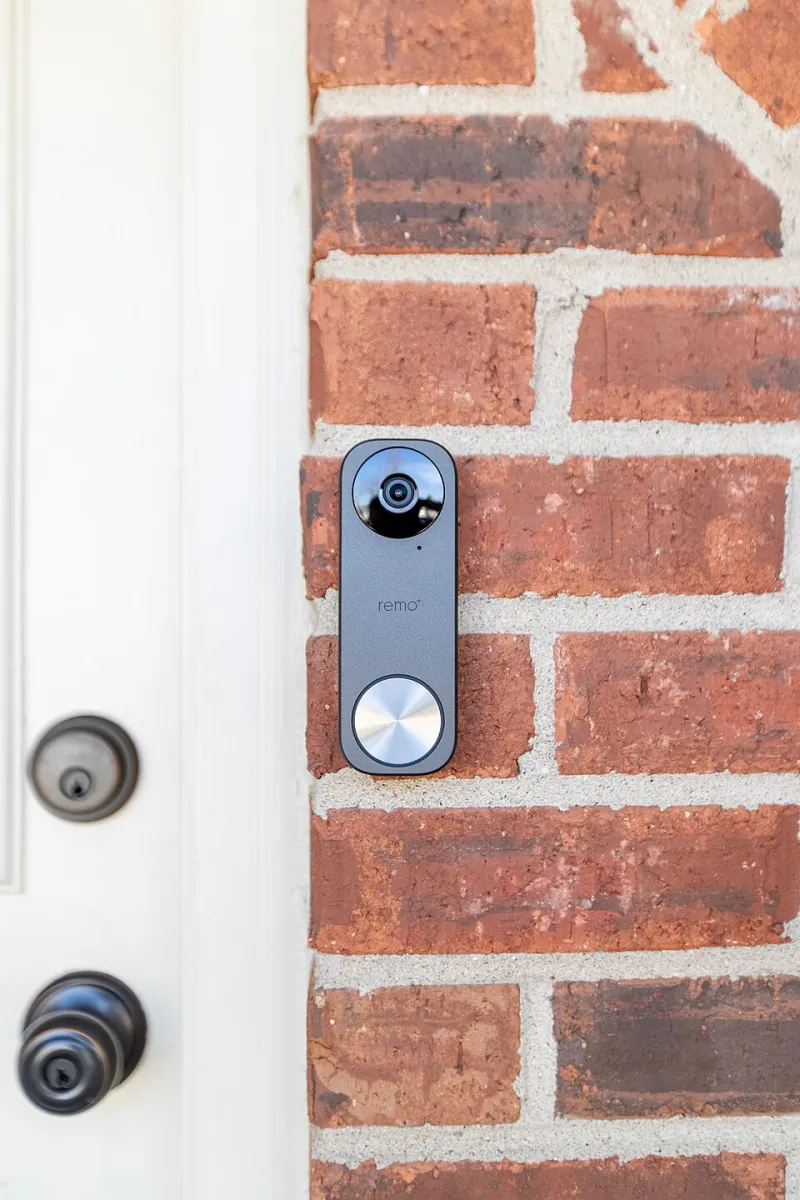
- A video doorbell, if it's wired in
- Any cameras you're not taking with you
- Hubs and bridges screwed to a shelf or plugged in permanently
- Smart plugs in awkward places (behind the washing machine, under the boiler)
- The robot vacuum and its charging dock
- Smart meters and the in-home display
- An EV charge point, if you have one
The rule I'd suggest: if removing it leaves a hole, a wire or a lost function the buyer didn't agree to, it stays and it gets handed over properly. If it's freestanding and you're taking it, say so in the fixtures and fittings list so nobody's surprised on the day.
That list also goes to your solicitor. It's much easier to have this conversation at exchange than in a driveway.
Decide: transfer or wipe
Some kit can genuinely change hands. Philips Hue bridges, Ring doorbells, Hive and Nest thermostats, Eufy cameras and most hub-based systems support a proper ownership transfer — either by removing the device from your account and letting the buyer add it, or by using a built-in "transfer ownership" feature that keeps settings but changes the owner.
Others can't be transferred cleanly. Anything tied to your email as the licence holder, kit that's been grandfathered onto an old plan, and the majority of robot vacuums are simpler to factory reset and let the buyer start fresh. A wiped vacuum loses its maps and schedules; that's a five-minute setup for them and a clean conscience for you.
My default is: transfer where the manufacturer makes it easy, reset everywhere else. Never leave a device logged into your account and hope. App history, camera clips, geofence records and voice recordings are all things you don't want sitting in someone else's house.
The thermostat deserves its own section
Heating is where handovers go wrong most often, because the failure isn't obvious until the first cold morning.
If it's a Hive, Nest, Tado or similar, log in to the web portal (easier than the app for this) and remove the property or the device from your account properly — not just delete the app. Then factory reset the unit at the wall. For most models that's a long press on a physical button; the exact sequence is in the manual and worth checking rather than guessing.
Crucially: resetting a smart thermostat often leaves the boiler with no schedule at all. If the buyer moves in during a chilly week, they'll get cold radiators and a boiler that seems broken. So leave a note — printed, in the kitchen drawer — telling them the model, the app name, roughly how it was wired, and any quirks ("the hall radiator needs bleeding every October"). Two minutes of writing saves an emergency call.
If your thermostat is the only thing controlling the boiler, don't take the wall plate. Leave the system in a state where the heating can be run manually.
Network details: the bit everyone forgets
Your router, mesh system and any network attached storage are staying or going depending on what you agreed. But whatever happens, do this:
- Change your Wi-Fi password on the router — or better, factory reset the router if it's staying and it's the ISP's kit.
- Write down the new SSID and password on a card for the buyer.
- Cancel or transfer the broadband properly. If you're moving the line to a new address, that's a house move order with your ISP. If not, give notice — most UK providers need 14 to 30 days. Don't just stop paying.
- Reset the admin login on the router if it's yours and staying.
What you must not do is leave the router broadcasting your old network name with a password the buyer doesn't know, while every smart plug in the house is still trying to reconnect to a network that no longer exists. That's the classic handover mess, and it's avoidable.
Smart meters are a slightly separate case. The meter and the in-home display belong to the property in practice — leave the display on its stand with a note. The account moves with the supply, so make sure your final meter reading goes to your supplier on the day.
A realistic timeline
Two weeks before completion: do the inventory, check each manufacturer's transfer or reset documentation, and buy a small pack of sticky labels. Label the isolator switches, the boiler, the stopcock and the consumer unit while you still know what everything does.
The week before: transfer or remove accounts. Reset the cameras and doorbell last, because you may still want them working while the house is being emptied.
Completion morning: final reset of the thermostat if you've been using it, wipe the robot vacuum, remove the app from your phone, and put the note card on the kitchen worktop with the router details, device list and any maintenance quirks.
Before you post the keys through the letterbox: photograph the note. If the buyer ever rings, you'll know exactly what you told them.
What good looks like on the other side
The buyer walks in, connects to a network with a password on a card, opens one or two apps, and has heating by teatime. No accounts in your name, no camera footage, no geolocation history, no devices clinging to a defunct network.
That's the whole job. It takes an afternoon, mostly sitting down, and it's the difference between a house that welcomes someone and a house that quietly remembers you.