The Half-Hour Energy Reset: Making Your Smart Meter Display Tell the Truth
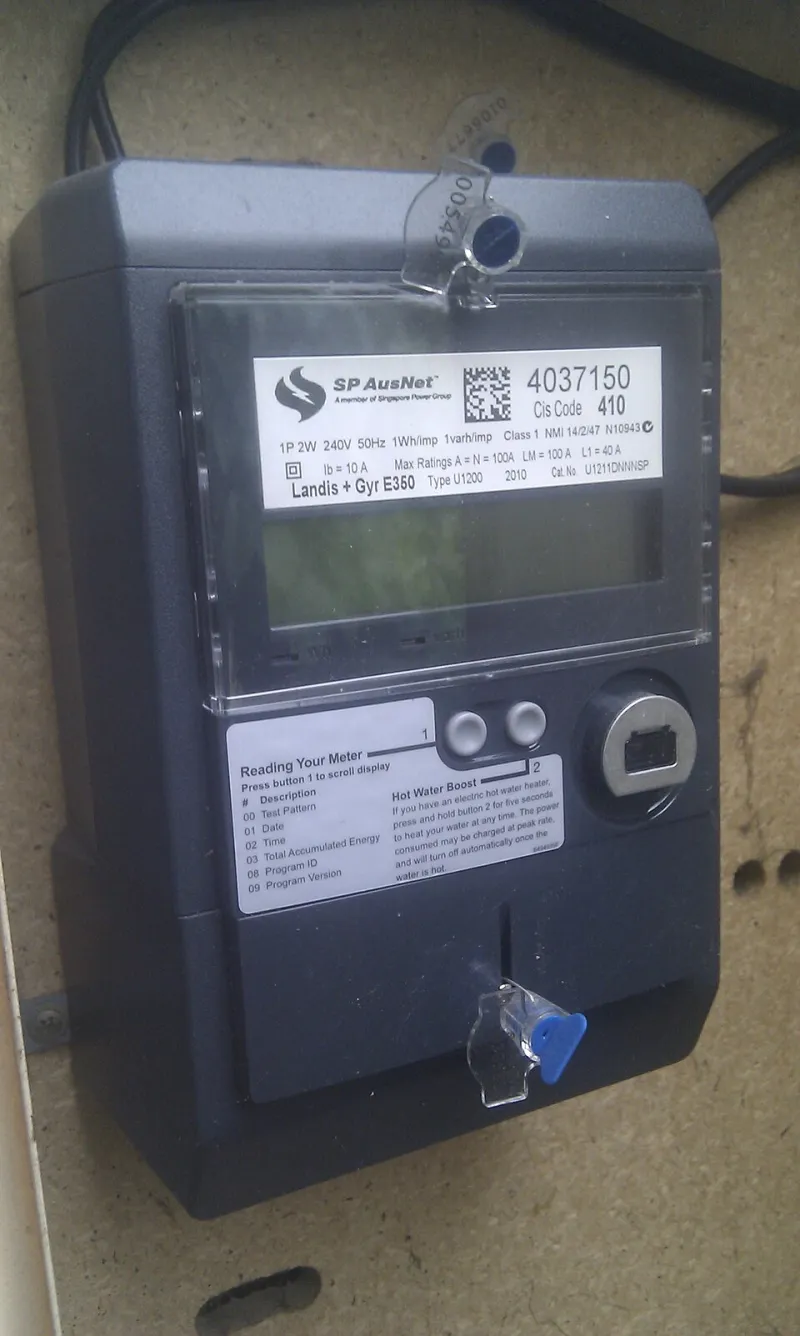
Photo: Christopher Corneschi, CC BY-SA 3.0, via Wikimedia Commons
The in-home display that arrived with your smart meter is a good idea executed badly. It sits by the kettle, glows faintly, and shows a figure in pence that hops about like a slot machine. On a freezing Tuesday in November it will insist the house is burning through £1.40 an hour, then sit on the same number for two hours while you boil pan after pan.
None of that means your meter is broken. It means the display is a small computer holding a slightly stale copy of your data and, quite often, an even staler copy of your tariff. Here is how to spend half an hour turning it into something you can plan around.
Why the little screen lags behind reality
Your electricity meter talks to a communications hub, which talks to the national data network, which talks to your supplier, which pushes numbers back to the display. Electricity is refreshed frequently, gas typically every half an hour. Every hop is a chance to drop a packet, and if the hub is in a cupboard under the stairs in a Victorian terrace, drops are common. A display that has been frozen for three hours usually means a signal problem, not a broken meter.
There is a second, sneakier issue. The cost figure you see is calculated on the device using a unit rate and standing charge stored in its memory. Those values do not always update themselves when you switch tariff or supplier. So the display can be entirely happy, entirely connected, and still quoting you last winter's prices.
Step one: interrogate the tariff settings
Dig into the display's menu — usually Settings, then something like Tariff or Unit Price. You are looking for two numbers: pence per kWh and the daily standing charge. Compare them with the most recent statement or app screenshot from your supplier. If they do not match, change them manually. It takes two minutes and fixes most of the nonsense.
One warning if you are on a time-of-use deal such as an overnight electric-vehicle tariff or a dynamic one: many displays cannot handle multiple rates and quietly default to a flat figure. Your car charging at 1am then looks expensive when it is not. Check your model's manual before trusting the pence reading on those tariffs.
Step two: get a second opinion for free
You do not need a £200 dashboard. Third-party apps such as Bright, Loop and Hugo pull your genuine half-hourly data from the national network, and most suppliers have their own version in their app. The data is typically a day or two behind, which is exactly the right resolution for budgeting. Treat the display as a glanceable toy and the app as the ledger.
Step three: sanity-check the standing charge
Before you heat a single room, your home is paying a standing charge — commonly somewhere around 50–60p a day. That is roughly £18 a month before anything switches on. It is easy to forget, and it is the reason a low-usage month still produces a bill that stings. Confirm the figure matches your statement, then budget from it rather than from the day-to-day number on the screen.
Step four: hunt the phantom load
This is the genuinely useful bit. Do it on a quiet evening with the house settled. Switch off at the wall everything you reasonably can, leaving the fridge-freezer, the router and the alarm running. Read the display — or better, the app after a day — and note the baseline.
A typical home idles somewhere between 100 and 200 watts. If you are sitting much higher, something is quietly eating money. Usual suspects: a games console in rest mode that never really rests, an ageing set-top box, a towel rail left on, a dehumidifier nobody switched off, an immersion heater doing overtime, or an amplifier under the telly that has been on since 2019.
The maths is brutal and worth pinning to the fridge: 100 watts running constantly is about 876 kWh a year. At roughly 24p per kWh that is over £200. A stubborn 300-watt background draw is closer to £630. Walk around, switch one thing off at a time, and watch the number fall.
Step five: check the meter is actually smart
If the display shows data but your supplier keeps asking for readings, your meter may have slipped out of smart mode — a common trick of older first-generation meters after a supplier switch. Ring or message your supplier and ask directly whether the meter is communicating in smart mode. If it is not, you are on estimated bills, and no amount of staring at the display will fix that.
The habit that does the work
Pick one slot a week — Sunday evening works for most people — and give it ten minutes. Open the app, note the week's total in kWh, look at the shape of the busiest day, and ask one question: what caused that spike? Write the answer in your phone's notes app. After eight weeks you will know your house's signature: the heat pump's morning ramp, the tumble dryer, the Sunday roast, the teenager's gaming PC.
That is the whole fix. Not a new gadget, not a subscription — just an accurate tariff, an honest data source, one measurement of what your house draws while doing nothing, and a weekly glance. The display by the kettle is fine as a mood indicator. Keep the real numbers somewhere you will actually read them.